Sunny greetings, dear reader!
If part 1 was about realizing that localization is not optional, part 2 is about building your early warning system.
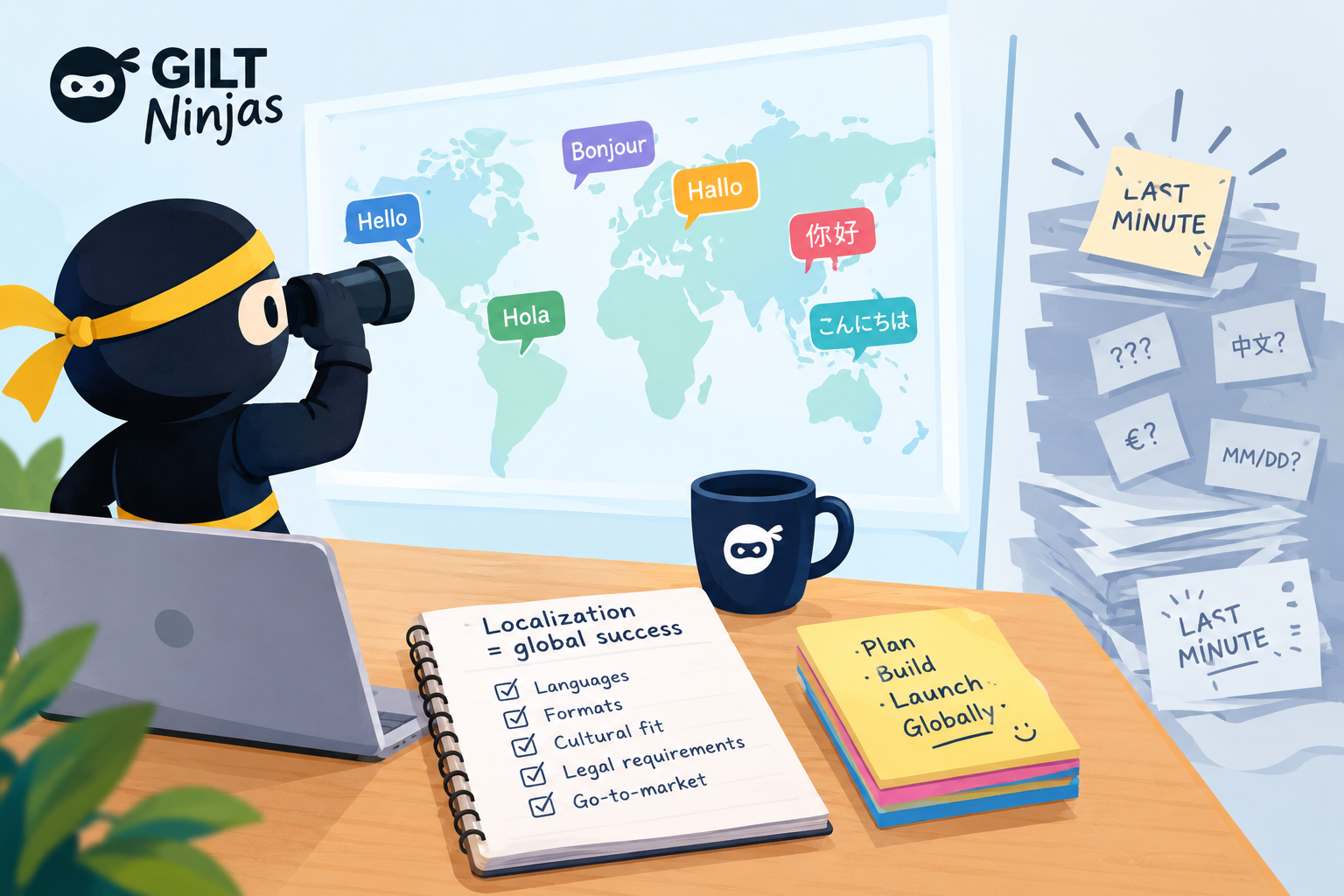
Because the truth is: Most localization problems are predictable when thought of early enough. The right questions asked at the right time can save your team from costly rework, last-minute surprises and the dreaded “Why didn’t anyone tell us?” moment.
So, what should you actually be asking? Let’s turn localization from a last-minute fire drill into something you can plan for from the start.
But before we begin a short refresher: in our mini-series, PM stands for project, product and program manager. Depending on the organization, your title might simply be manager or something totally different. If you’re a manager working on products and projects, this series can be very useful for you.
The myth of the “simple feature”
Have you ever been in a meeting where someone says, “It’s a pretty simple feature”?
You can almost hear the localization expert thinking, “Is it, though?”.
Because sometimes “simple” really means: “We are only thinking about one language and one region”.
Let’s test that with a simple registration form:
- Name
- Postal address
- Phone number
Looks harmless, right? Not quite. Each of these fields can come with localization considerations that are easy to overlook. I won’t dive into all the details here, but if you want to see just how quickly a “simple” form can get complicated, check out this post.
Here are some useful questions to keep in mind for projects and products.
Question 1: Will this need localization?
Ask:
- Does this feature contain user-facing text?
- Are there UI labels, buttons or error messages?
- Will documentation or support content be needed?
Important reminder: Localization is not just product UI. It includes everything users read.
Question 2: Does it display user-generated content?
Think reviews, ratings, comments or community posts.
If your product supports multiple languages, consider whether users should be able to read user-generated content in those languages, too.
Ask:
- Will users see reviews or other content written in different languages?
- Should this content be translated so users can understand it, regardless of the language it was originally written in?
- How will translations be handled, and will users be able to view the original content?
Not every piece of user-generated content needs to be translated. But if reviews or community posts influence purchasing decisions or user engagement, language can make a real difference.
Important reminder: Supporting multiple languages isn’t just about translating your own content. It’s also about considering how user-generated content fits into the experience.
Question 3: Does it display dates or times?
Example:
03/04/2026
Is that March 4th or April 3rd?
The answer depends on where you are.
Also consider:
- Time zones
- Calendars
- Scheduling formats
If your product displays dates or times, internationalization is something worth considering.
Question 4: Does it use numbers, prices or currencies?
For example:
1,234.56
May mean different things depending on the region.
Also consider:
- Currency symbols
- Tax formats
- Percentages
- Financial reporting
Small formatting differences can create big confusion.
Question 5: Does it collect names or addresses?
Many systems are designed around a specific naming and address structure:
- First name
- Last name
- Street + City + State + ZIP
But naming and address structures vary widely across the world.
The key question: Are we designing forms for the world or for one region?
And just as importantly: What privacy and data protection requirements apply in the markets we operate in?
Question 6: Does it include search or sorting?
Sorting is not universal and searching is not neutral. Languages behave differently:
- Character sets
- Alphabetical order
- Search expectations
If users cannot find what they are looking for, localization becomes a UX problem.
Question 7: Will text expand?
A simple word like “Add” in English might become significantly longer in other languages.
This affects:
- Buttons
- Layouts
- UI spacing
- Responsive design
It can quickly become a design and launch nightmare.
Question 8: Are we using visuals with cultural meaning?
Consider:
What feels neutral in one market may feel confusing or inappropriate in another.
Question 9: Which markets are we supporting?
This is the alignment question. It’s worth asking early:
- Which countries/regions are in scope?
- Which languages are required?
- What level of support is expected?
- What laws do we need to follow?
The PM localization checklist
If you’re looking for a quick localization check, these are the questions to keep handy:
- Is this localized or global by design?
- What assumptions are we making?
- Who needs to be involved early?
- What will break if we expand to another market?
- Does user-generated content need to be translated, filtered by language or handled another way?
If you’re unsure, that’s a good reason to bring in your localization or globalization colleagues.
Final thoughts
If part 1 was about realizing that localization is always in the room and part 2 was about learning how to speak its language, in the next part, we will move from questions to action: How to build localization into your project plan without turning your roadmap into a juggling act.
Until then, keep asking questions. They scale better than last-minute fixes.
Leave a Reply