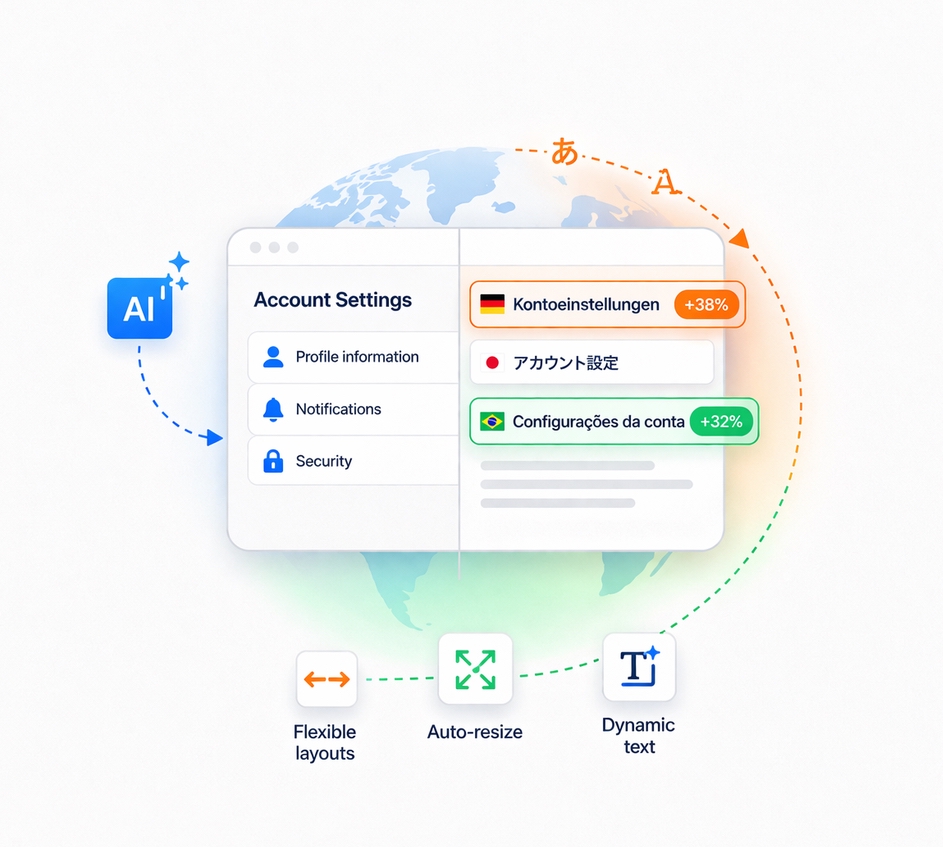
One of the key areas for succeeding globally with your product is having a design that adapts to all the languages you support (and feels like it was built for them). If you don’t do this, you risk your global customers perceiving your product as foreign.
The majority of companies that face this issue treat localization as an afterthought, meaning they only detect these problems during the QA phase (if at all). By that point, the cost is significant: designers need to come up with new solutions, engineering has to implement them, and only then can the issues actually be resolved.
This can derail any launch, or result in shipping a half-baked product that your customers may not forgive.
For these reasons, the industry has long been searching for ways to avoid this expensive challenge.
The historical approach has been something called pseudolocalization, and it works quite systematically:
- All English characters are replaced with visually similar characters from other alphabets (for example, “Account Settings” becomes “Ǎ¢ƈôΰлţ §℮τţĭπꞡş”).
- Since translations tend to expand by 30–40% on average, extra characters are automatically added: either programmatically, by padding the beginning and end of strings, or by inserting characters from non-Latin scripts like Japanese or Korean.
This approach emerged for two reasons: there used to be frequent issues with corrupted characters (much less common today), and translations were slow and expensive to obtain. By the time content came back, implementation was nearly complete and it was too late to update designs or functionality.
Pseudolocalization is fast and cheap, but its biggest drawback is that it always assumes the worst case. In reality, a language might expand in one area of your UI but not another. That’s why some teams are reluctant to use it; the generated UIs often don’t reflect what will actually happen in production, and testing typically happens during implementation rather than design.
Nowadays, a newer approach has emerged: generating machine-translated content during the design phase and, using Figma, visualizing how designs look for the longest locales. However, this often relies on the designer’s gut instinct (“I’ve heard German is long, let’s test that”), which gives a reasonable feeling but still leaves gaps.
For that reason, I want to share two approaches that can improve on this.
Approach 1: use AI
The first approach is to use AI to get this information. It’s as simple as running a prompt like the one below. It will return translations for the longest and shortest languages for your specific strings, based on average character length across locales.
Prompt
You are a professional translator. I will provide you with a list of languages and a set of strings in English.
Do the following:
- Translate all strings into every language listed.
- For each translation, count the number of characters (including spaces).
- For each language, calculate the average character length across all translated strings.
- Identify and return only:
a. The locale with the longest average translation length (with its translations, character counts, and average)
b. The locale with the shortest average translation length (with its translations, character counts, and average)
- In case of a tie, list all tied languages.
- Do not show the full translation table for all languages.
- List of languages: [INSERT LANGUAGES HERE]
- List of strings: [INSERT STRINGS HERE]
One caveat: When I ran this prompt with 76 locales and just 3 strings, it took between 7 and 10 minutes to return results.
Approach 2: a spreadsheet
The second approach is more classical. You can build a spreadsheet using Google Translate functions alongside a few other formulas to achieve exactly the same output as the prompt above (I’ve created a sample spreadsheet. Feel free to make a copy and use it as needed.)
Its main advantages are:
- You can use functions from your own translation providers to keep your content secure.
- Translations and locale rankings are calculated in seconds, making the process very fast.
I’ve looked into Figma widgets, but most of them are designed to provide fully translated assets, and while some do offer machine translation, none I’ve found let you identify the worst-case scenario locale. As a result, I think that most designers still end up going with their gut.
Using these tools, you can build designs that are far more flexible and that adapt to global audiences in a much more natural way. The technology to do this right has never been more accessible. The only question is whether localization gets a seat at the design table from the start, or keeps showing up uninvited at launch.
Leave a Reply